![Siemba-1 (3) (1).png]](https://www.siemba.io/hs-fs/hubfs/Siemba-1%20(3)%20(1).png?height=40&name=Siemba-1%20(3)%20(1).png)
You can easily reach the Siemba team in the chat section of the application. Here you are able to start new conversations, look for a specific member, channels, and share documents in the chat.
You can get to the Chat page by clicking on Chat on the sidebar on the left of the screen present on any page of the application
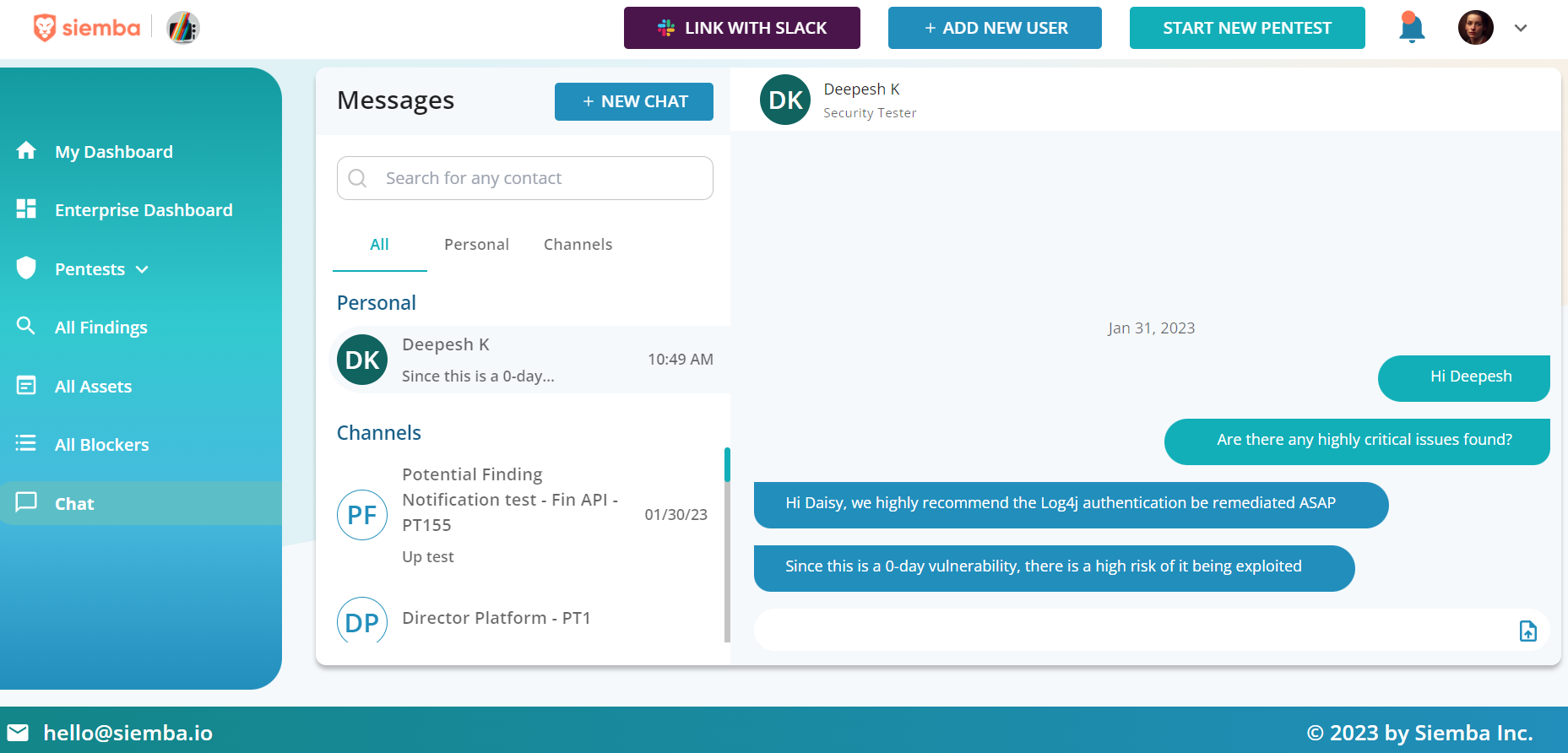
You can start a new conversation by clicking on the +New Chat button, when you click it, you’re shown a list of all the members on the pentest, that can be filtered by All, Siemba Team, or My Team. Doubts can be clarified through available chat spaces in dashboards.